Courses
Free
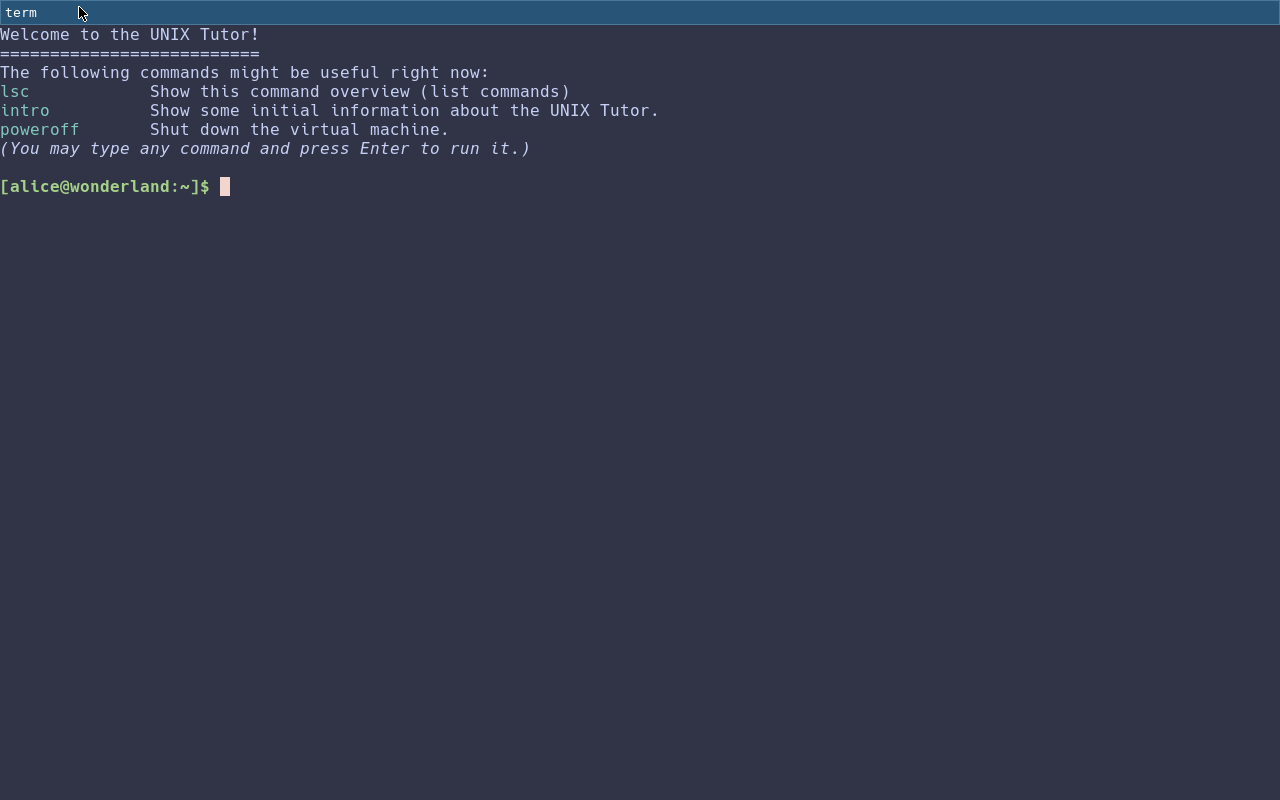
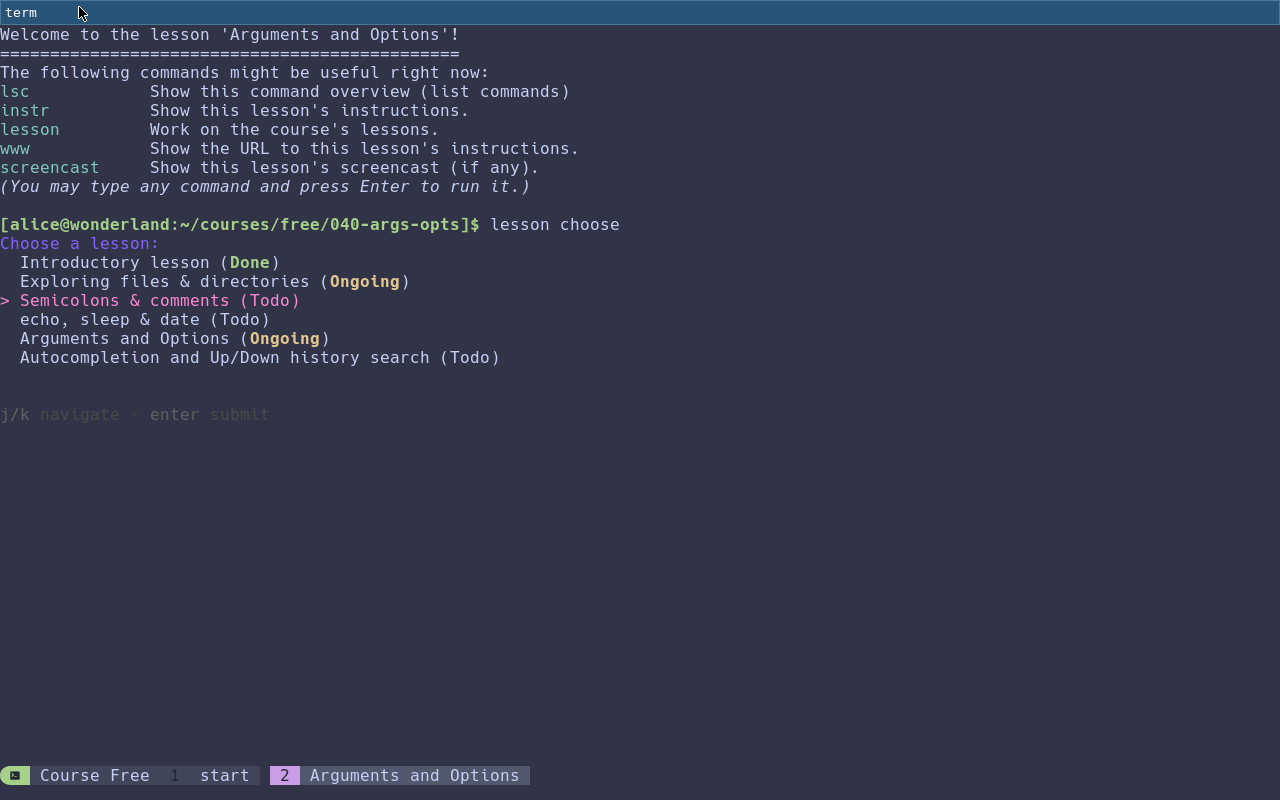
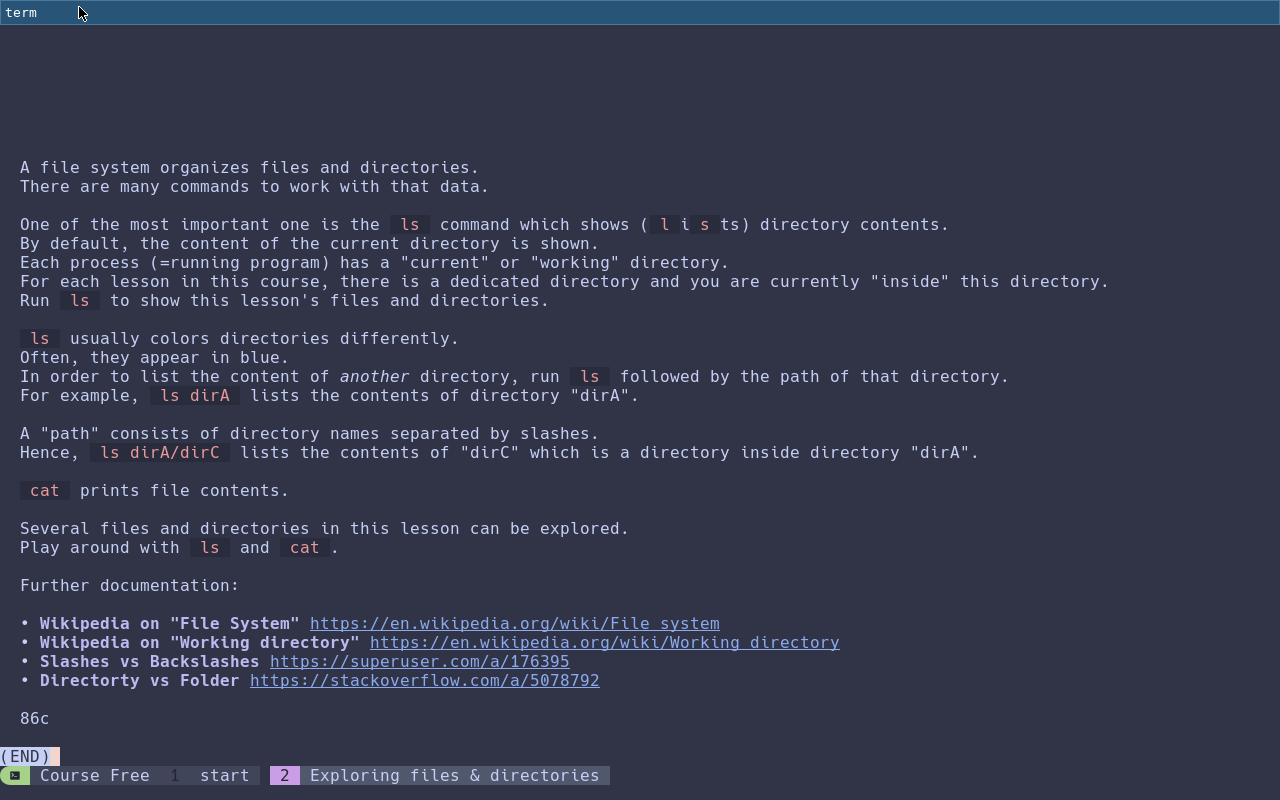
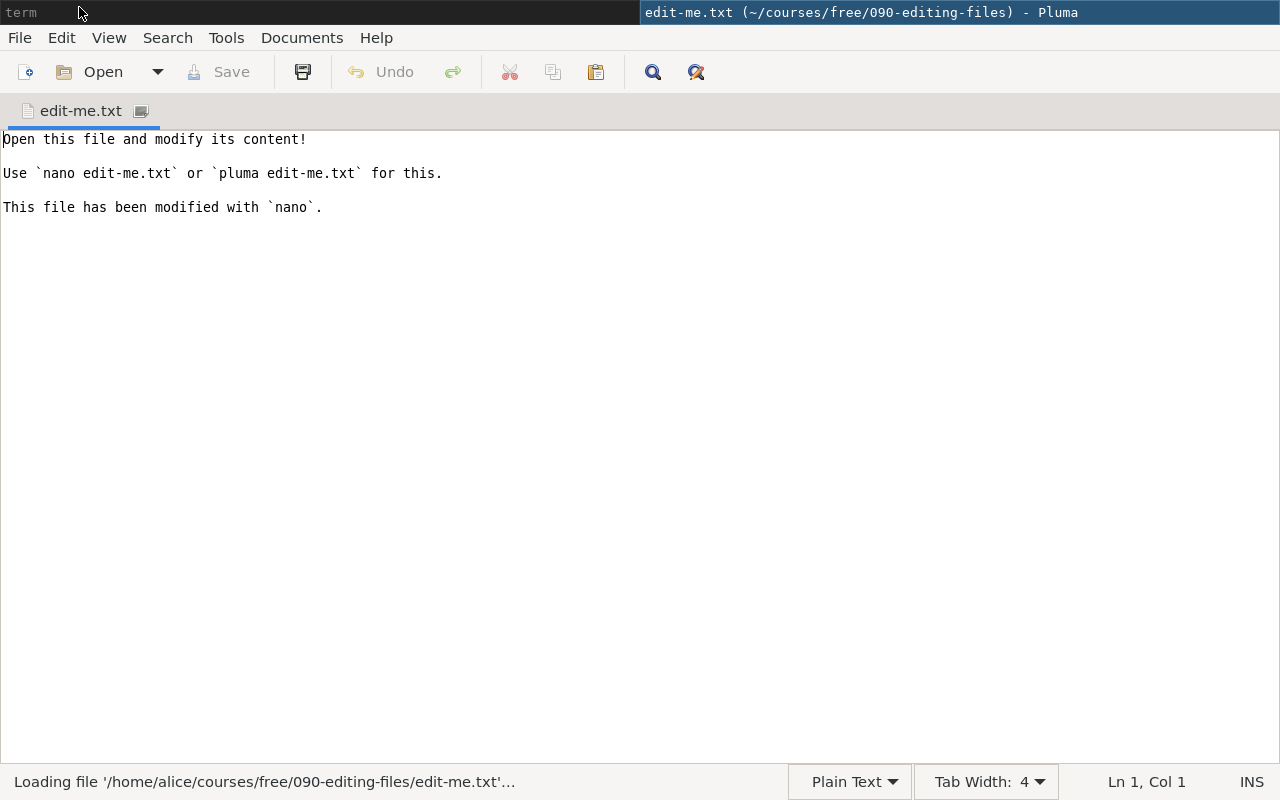
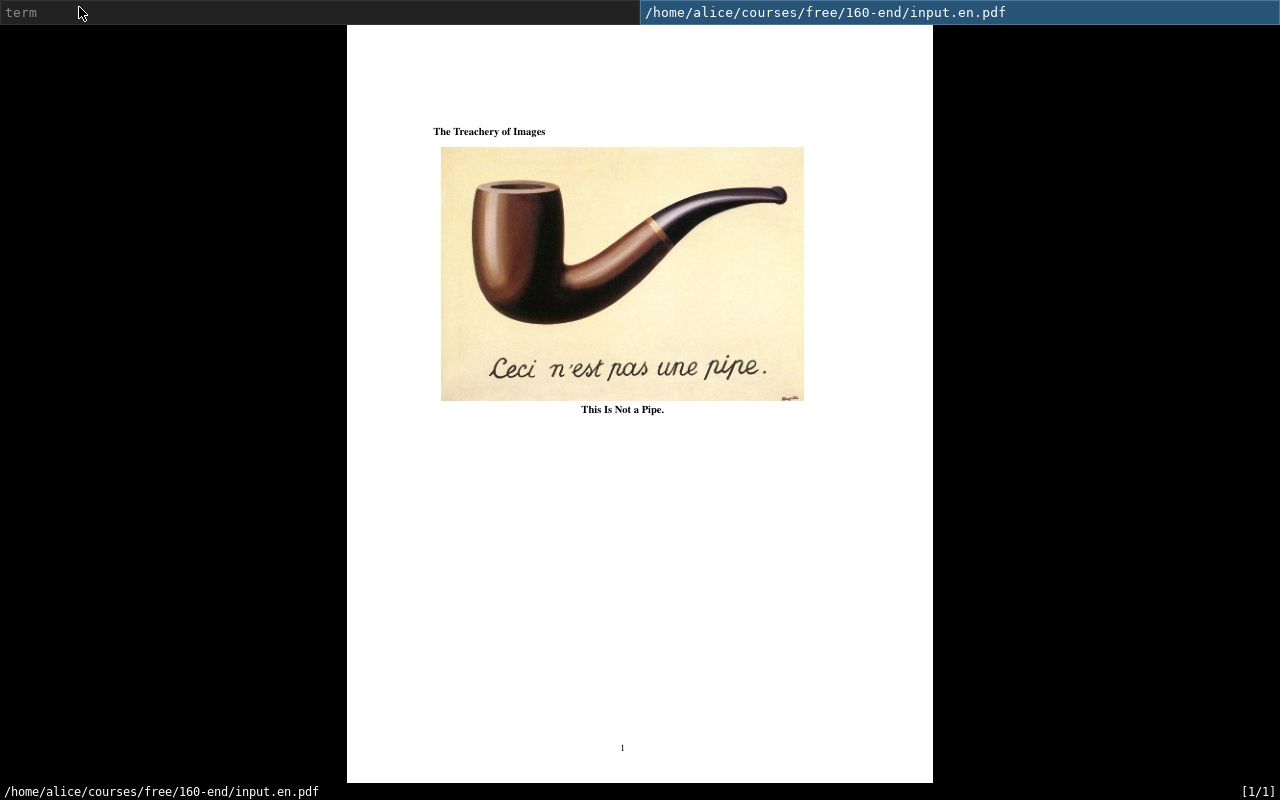
This course explains how to work with the UNIX Tutor itself and introduces the user to the keyboard-driven work with UNIX systems in general. Basic commands are presented and various exercises can be performed. There is no prior knowledge expected upfront.
The “Free” course comes pre-installed on the virtual machine and is readily available after launch.
Covered topics: Running commands, combining commands, shells, terminals, comamnd history & search, file system structure, clipboard handling, file modifications, file meta data, redirections.
Employed tools (including custom commands): bash, cat, cd, check, clear, date, echo, find, foot, grep, head, history, intro, lesson, ls, man, mkdir, nano, pluma, pwd, rm, screencast, sh, stat, tac, tail, tarts, tldr, touch, tree, wc, www.
Basic (60€)
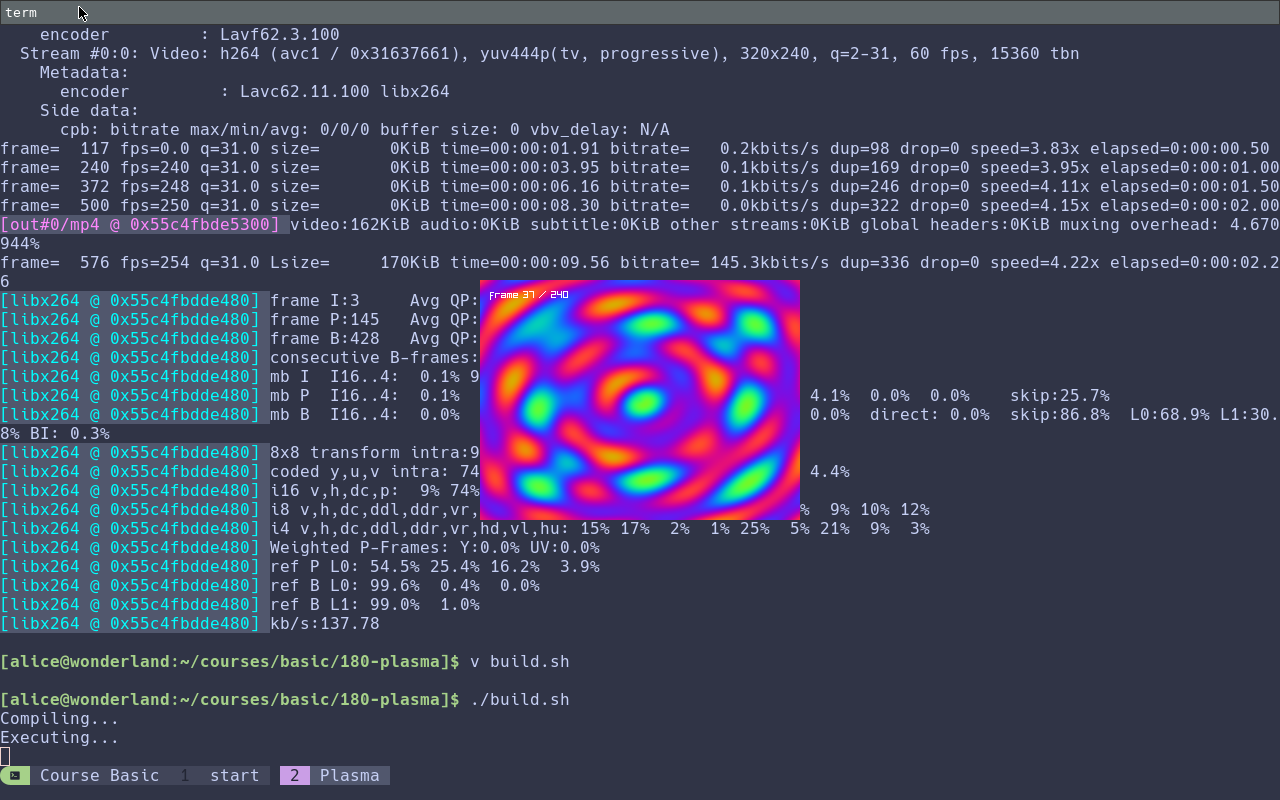
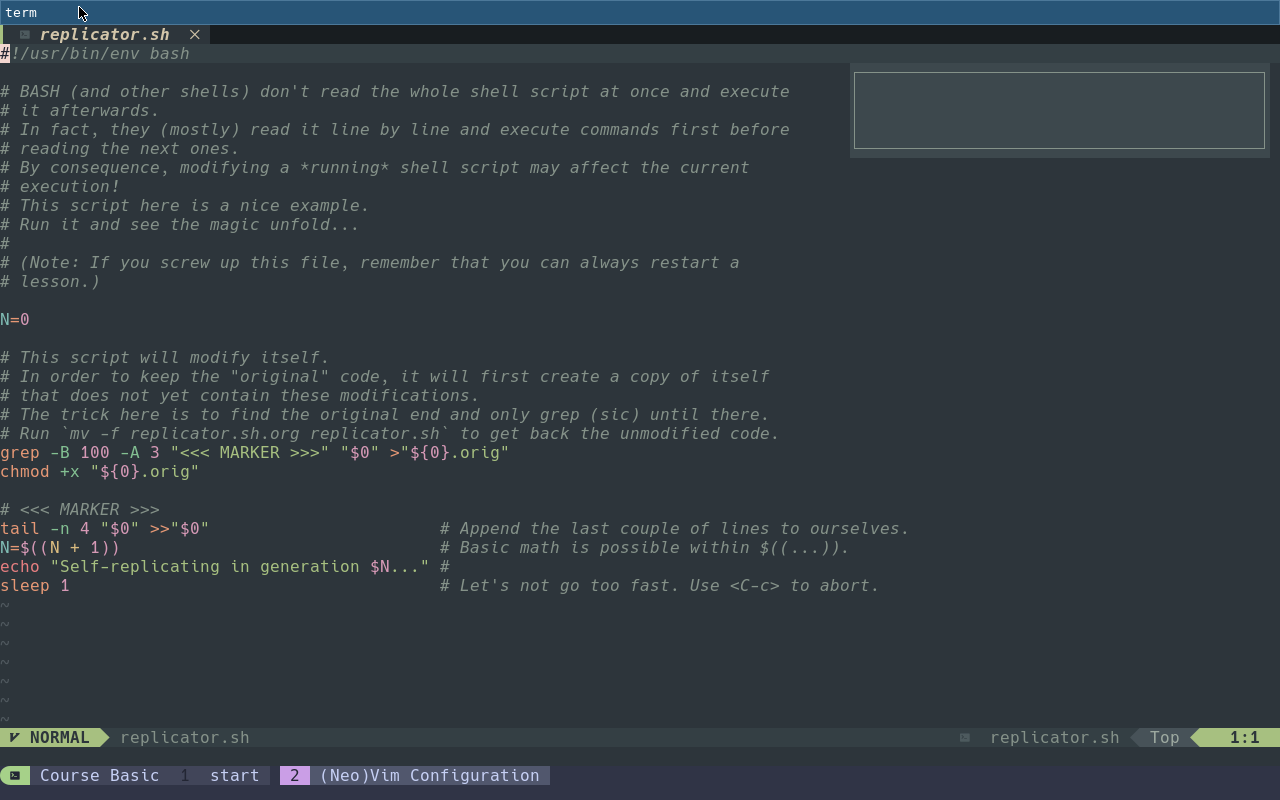
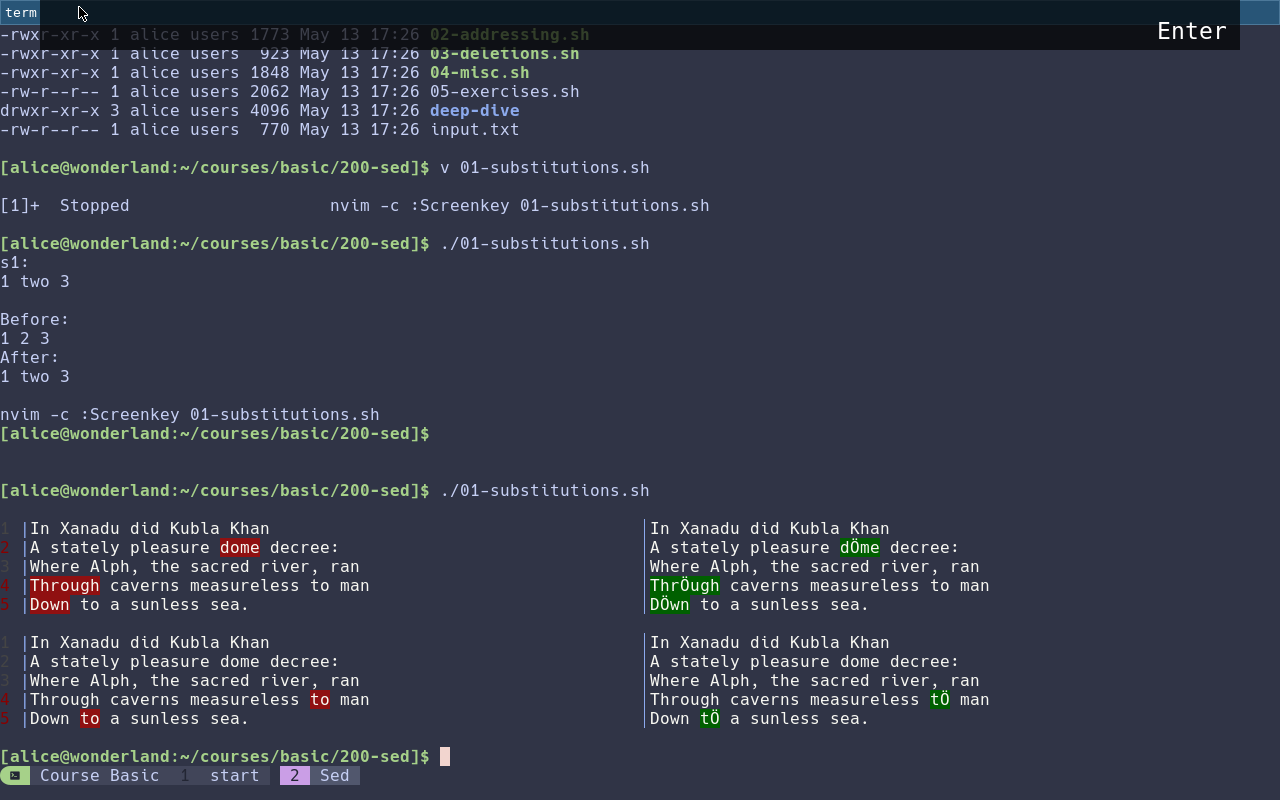
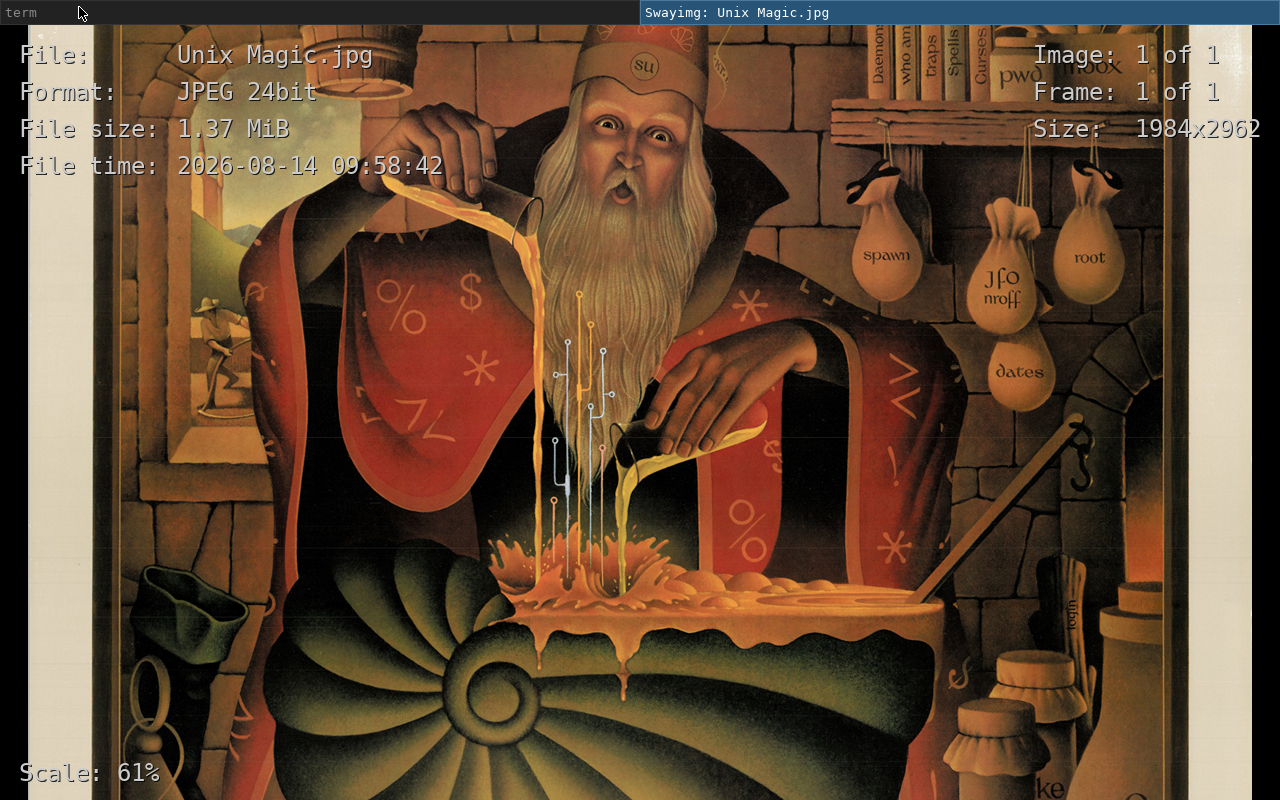
Covered topics: Shell aliases & variables, hidden/dot/config files, (Neo)Vim, pipes, shell scripting (shebangs, functions, if/else blocks, …), standard streams, command substitution, image handling, users & groups, permissions, background jobs/processes, edit-run-cycle, compiling programs, Sed.
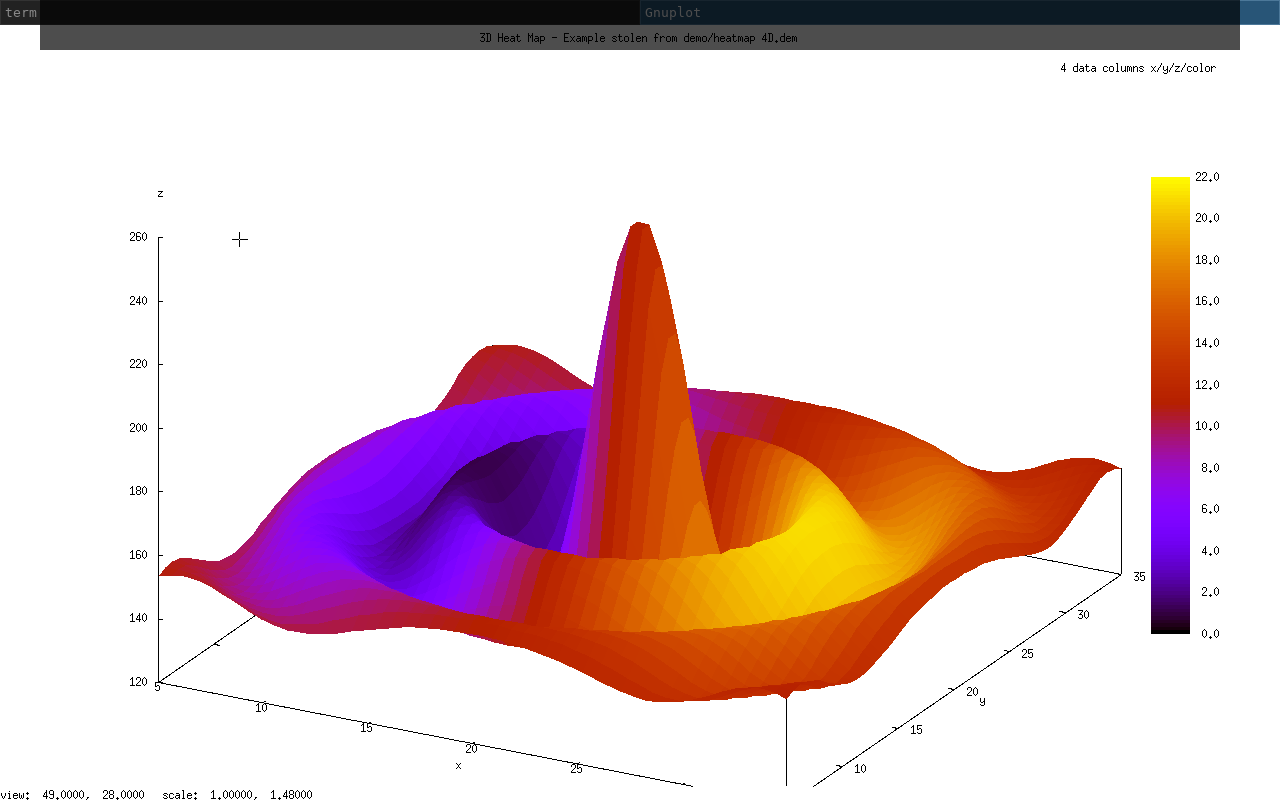
Employed tools (including custom commands): alias, awk, bash, bat, bind, bullshit-factory, cat, cd, cf, check, chmod, chown, clear, cp, css, cut, date, diff, echo, ffmpeg, fg, find, foot, gcc, gdd, glow, gnuplot, grep, groups, head, id, instr, jobs, kill, lesson, ls, mkdir, mpv, mv, nvim, rm, sd, sed, sh, sleep, sort, source, tail, touch, wc
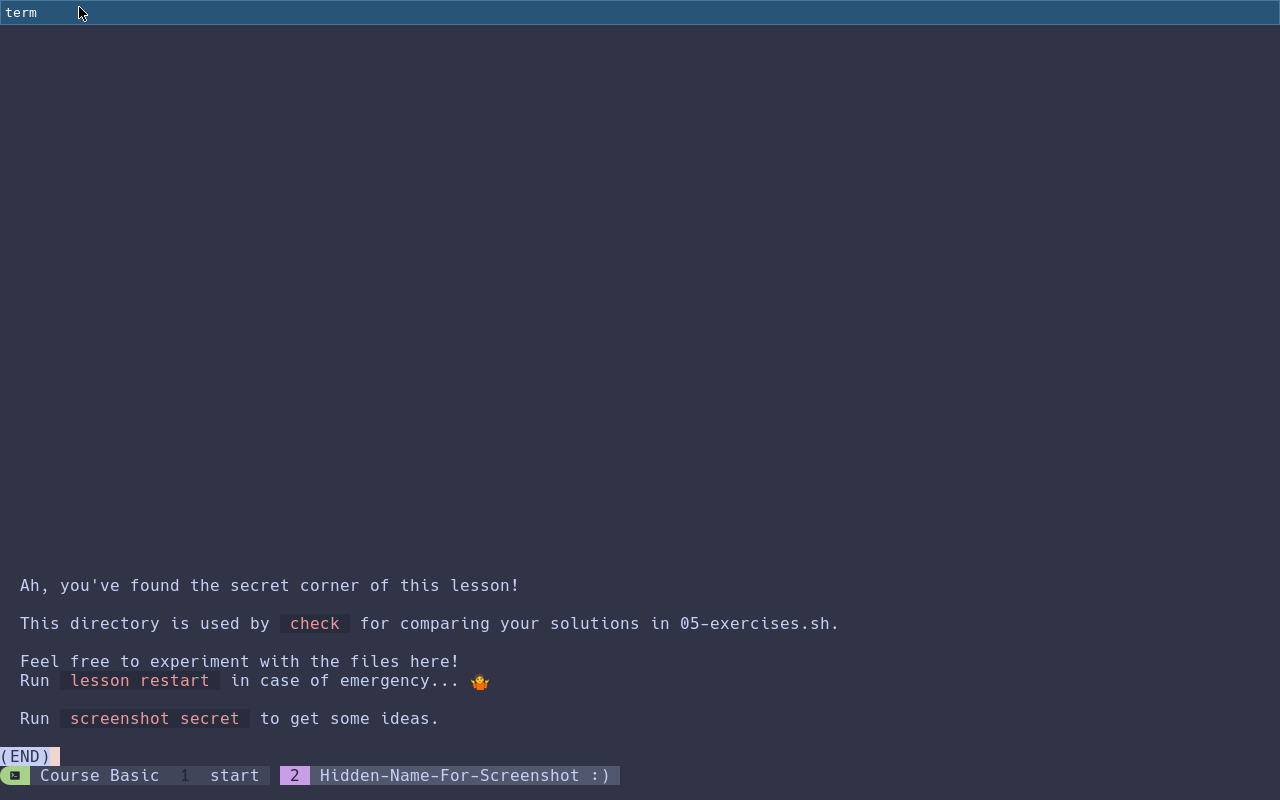
The Basic course can be obtained by running course get.
A free trial is available via course install basic-trial.
The trial version contains selected lessons.
Intermediate, Advanced, …
More courses to come here. Stay tuned.
Your Course?!
You can’t find what you’re looking for? Are you interested in a dedicated course? Do you have repeated training needs?
Contact support at unix dash tutor dot net!